
01
Capture the complete page
AnyShot scrolls the page, checks every captured section, and restores your original position when it finishes.
AnyShot for Chrome
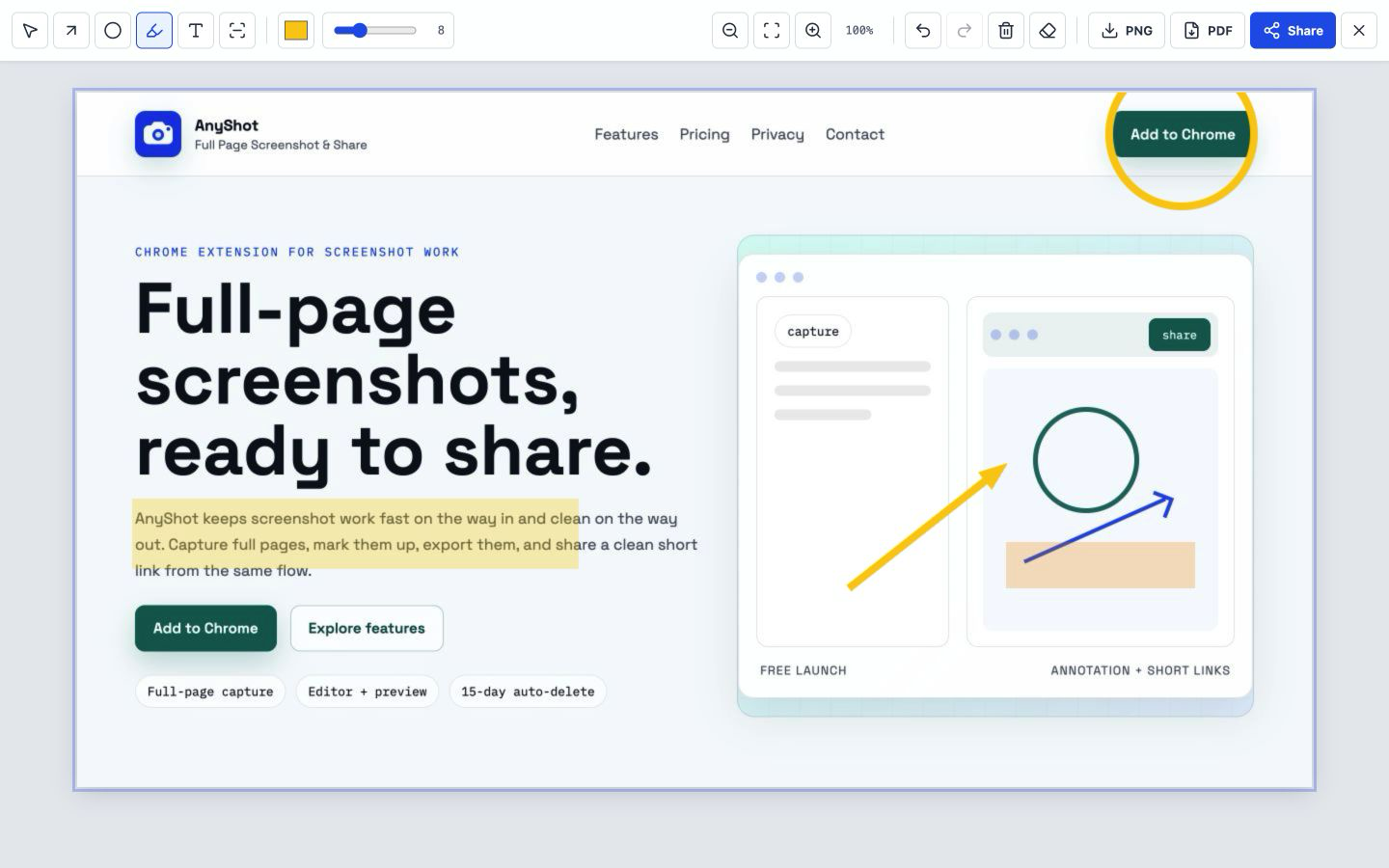
Capture an entire webpage in one click, annotate the evidence, export PNG or PDF, and create a temporary share link without leaving Chrome.
Workflow
01
AnyShot scrolls the page, checks every captured section, and restores your original position when it finishes.
02
Use arrows, circles, highlights, text, and permanent redaction with undo, redo, and precise selection.
03
Download PNG or PDF locally, or create an unlisted link that expires automatically after 15 days.
Why AnyShot
AnyShot retries transient capture errors and stops with a clear message if it cannot produce a complete result.
Oversized results are scaled safely instead of opening as a blank or corrupted canvas.
Capture, editing, and export stay local. A screenshot is uploaded only when you choose Share.
Screenshot guides
Practical walkthroughs for full page screenshots in Chrome, PDF delivery, and comparing independent screenshot extensions.
Chrome guide
Compare Chrome's built-in command with a one-click extension workflow for capture, annotation, redaction, and export.
Read guideExport guide
Capture the whole webpage, add the context you need, and export a paginated PDF without manually stitching images.
Read guideIndependent alternative
A transparent overview of AnyShot for people comparing full page screenshot extensions for Chrome.
Read guidePricing
Fair-use limits protect temporary hosted sharing from abuse.
$0
Privacy
Get AnyShot